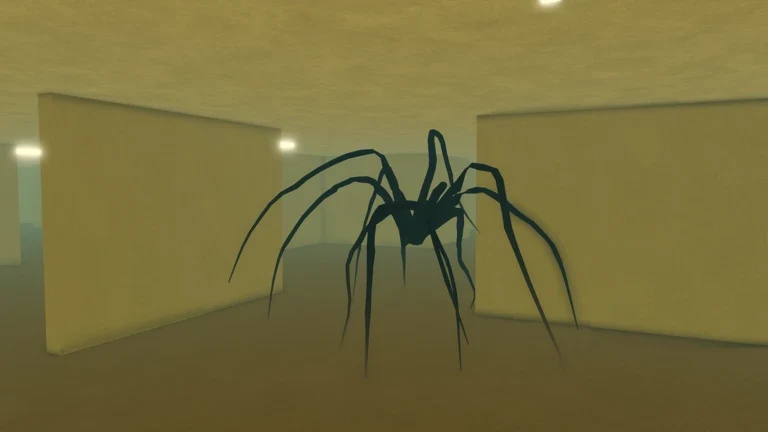
Evil Crawling Things Codes
FOG gives 5,000 Coins in dated checks. Compare FOG, UPDATE and RELEASE, then redeem from Shop → Codes in the original Roblox game.
Reported Evil Crawling Things codes
Start with FOG. Three code trackers agree on its 5,000 Coins reward and list it as working in their dated checks. BloxArchive also lists UPDATE and RELEASE. Use the table to see the reward attached to each string and which sources agree.
These codes are for Roblox place 95651261712519 by :WaitForCat(). Open the Roblox link from the game center if search shows the similarly named Garry’s Mod addon or another Roblox listing.
| Code | Coin reward | Dated source and status |
|---|---|---|
FOG | 5,000 Coins | Working in Roblox Den and Bloxodes checks · 20 Nov. Also listed working by BloxArchive · 21 Nov. |
UPDATE | 5,000 Coins | BloxArchive lists working · 21 Nov. Roblox Den marks Check · 20 Nov. |
RELEASE | 250 Coins | BloxArchive lists working · 21 Nov. Roblox Den marks Check · 20 Nov. |
How to redeem codes in Evil Crawling Things
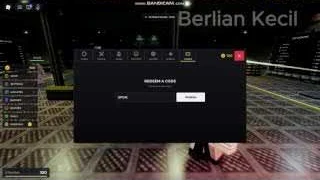
Roblox Den’s gameplay captures show the Shop button on the left and an Enter Code box inside the Codes panel. Use the following four steps once your game interface loads.
- Open the original :WaitForCat() experience and note your current coin balance.
- Select SHOP on the left, then choose CODES inside the shop.
- Enter one code from the table. Remove extra spaces, then select REDEEM.
- Read the result and compare the new balance before entering another code.
Redemptions this wiki has not reproduced
The following checks are still open for the current game client.
- FOG. The dated sources agree, but this wiki has not independently redeemed it in game.
- UPDATE and RELEASE. One tracker marks both as working and another asks players to check. Their current acceptance has not been reproduced.
- Expiry and eligibility. The available sources do not establish a closing time or a level, region or group requirement for these strings.
Check your balance before buying gear
A successful redemption should be checked before you spend the reward. If your balance does not change, read the response and check the entered string before trying it again. Coins earned in the next round can make the change harder to attribute. If a code gives you enough for the item, switch from Codes to the Guns section and check that the Shop still displays your target price.
The developer advertises a 1.2× coin boost for Roblox group members. That benefit is separate from the code box. If you are saving for gear, compare your balance with the Shop price. The 20 November gameplay walkthrough shows a Light SMG purchase for 3,000 Cash.